 Guides
 Account
How to Purchase
Tokens, packs and more to take your ninja to the next level.
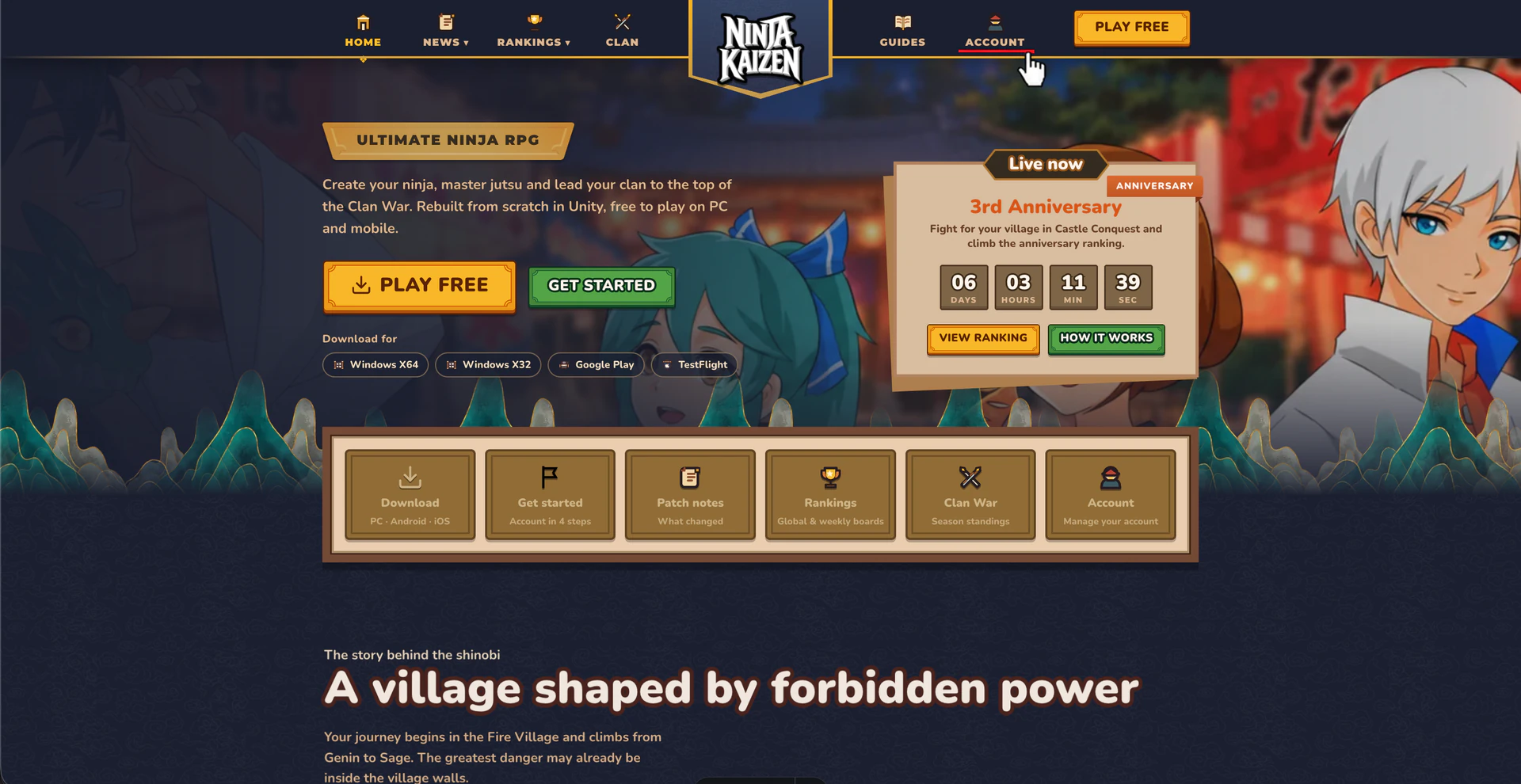
You can buy tokens, packs and other cool things from the Ninja Kaizen Store. You need a Ninja Kaizen account to access it: if you don't have one yet, get started first.
Open the store
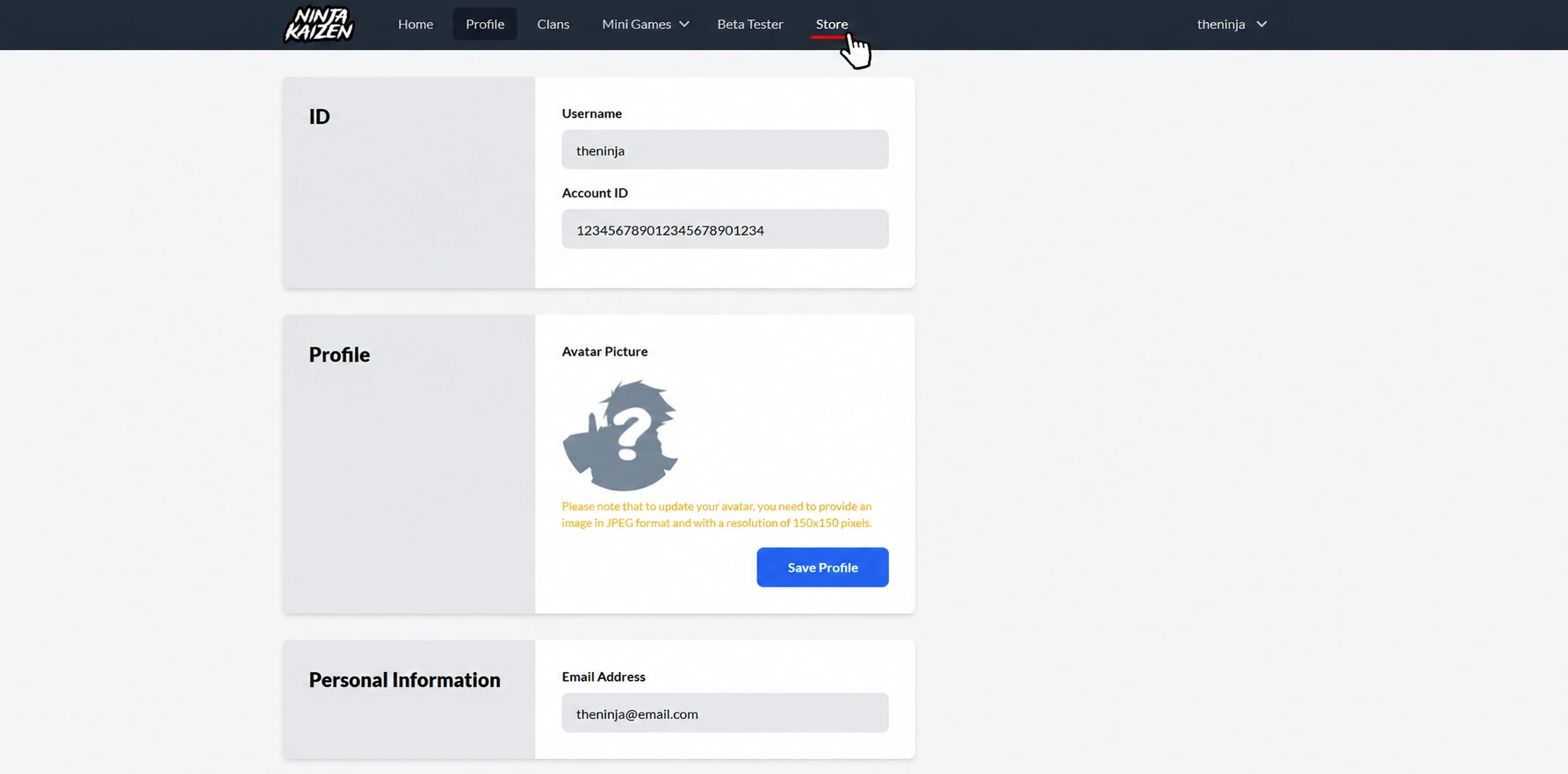
Click the Store button
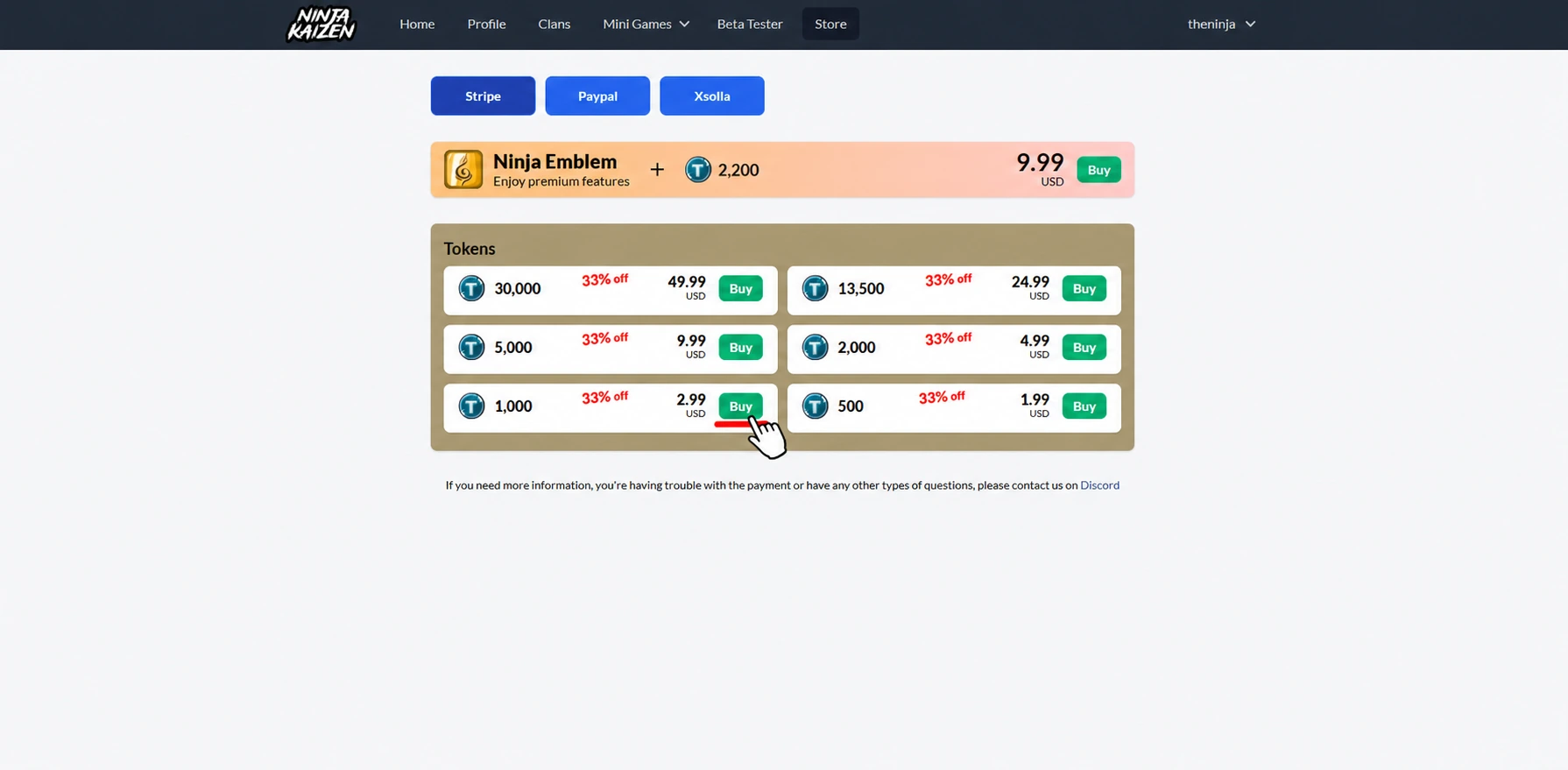
On your account page, find the Store button on the top bar and click it. There you can see every item available for purchase.
Purchase something
Select a payment method
We accept three payment methods: Stripe, PayPal and Xsolla. Click the button of the one you want to use.
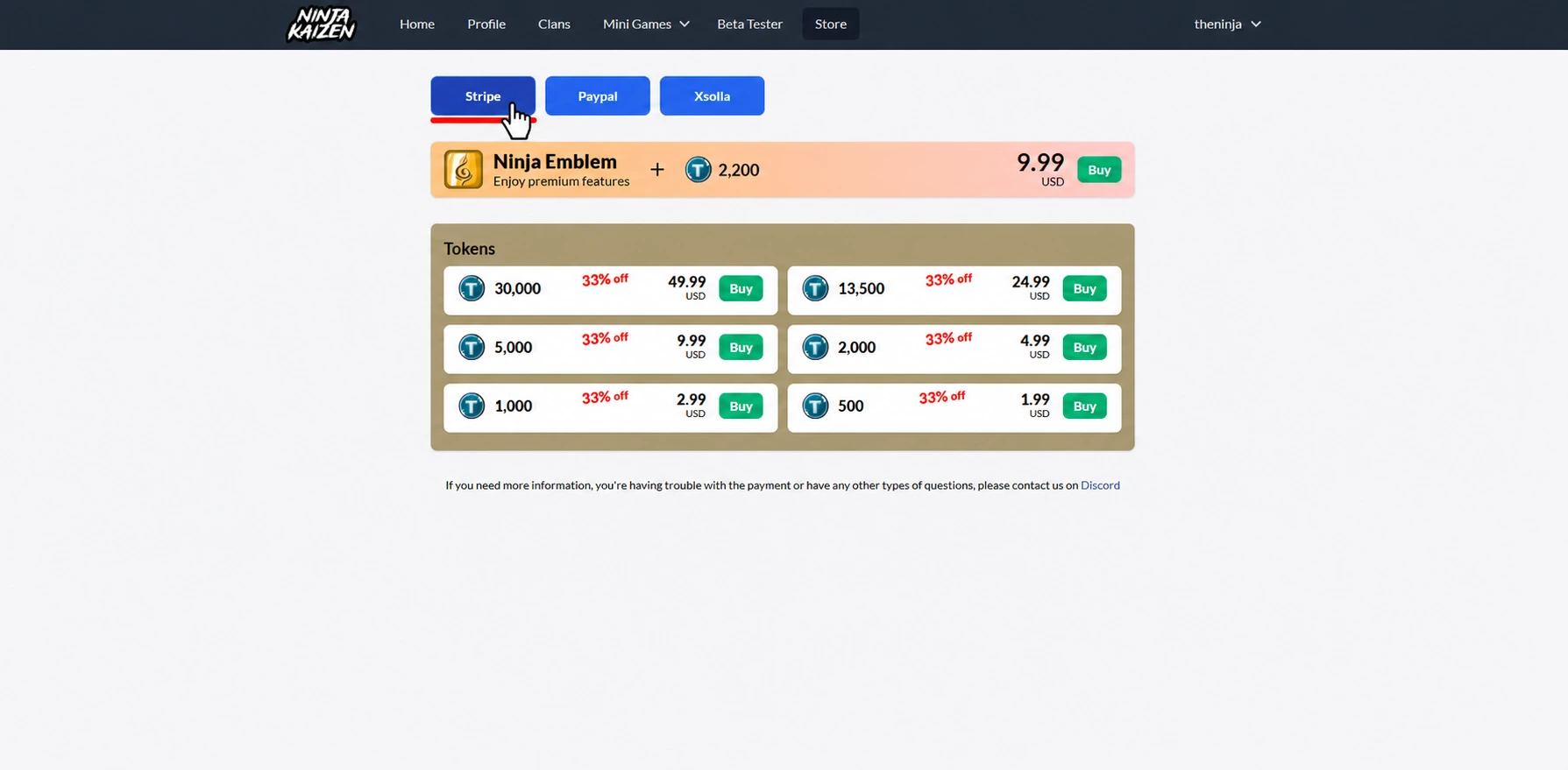
Select the item you want to buy
Once you have selected the payment method, click Buy next to the item you want.
Confirm the purchase
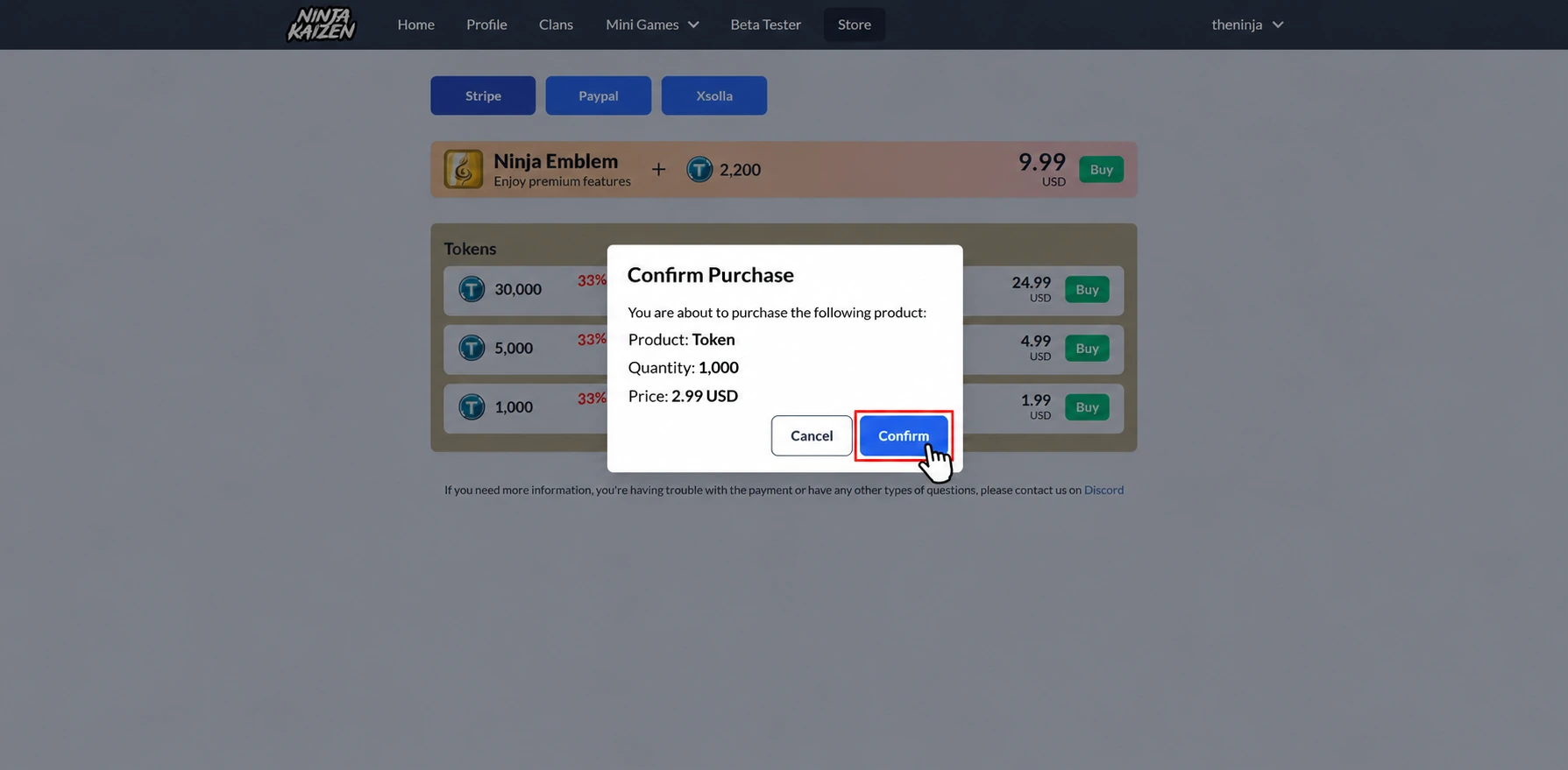
A confirmation dialog shows the item and its price. If everything is correct, click Confirm to continue.
Pay on the payment page
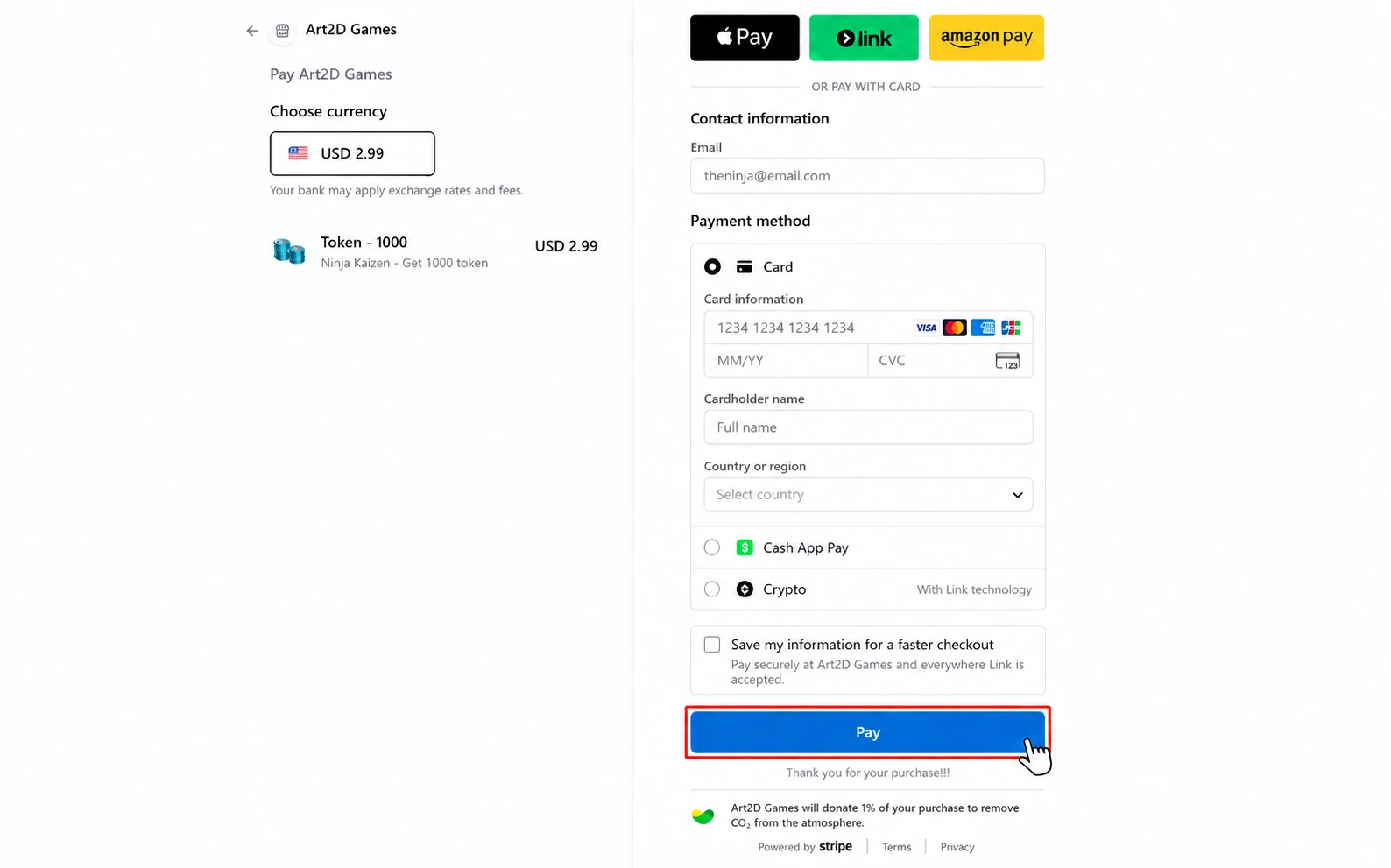
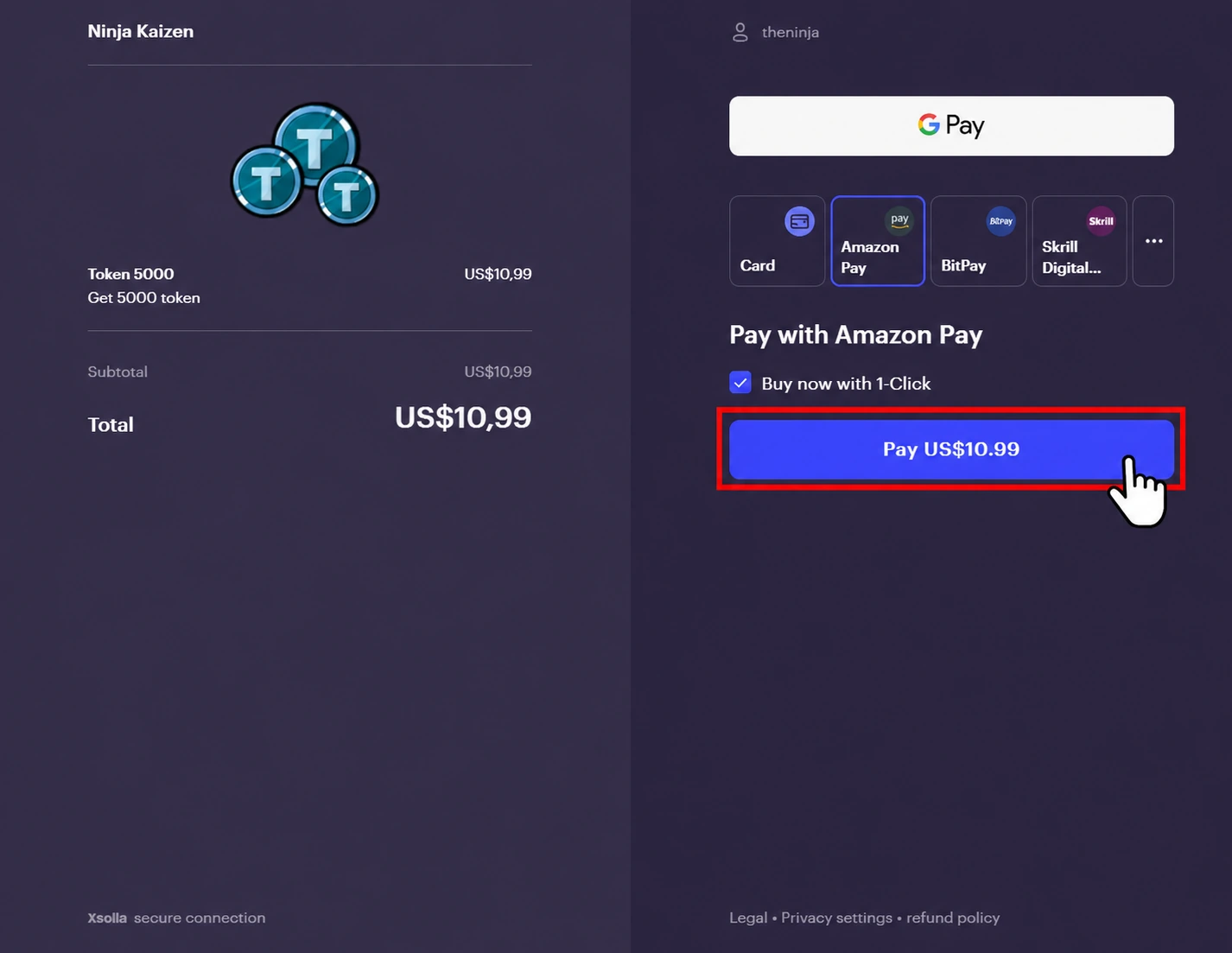
You are redirected to the payment page of the method you selected. The process differs for each one, but it is simple and intuitive.
- Stripe: enter your email and payment details, or choose an available wallet, then click Pay.
- Xsolla: select the payment method you want to use, fill in your payment information and click Pay.
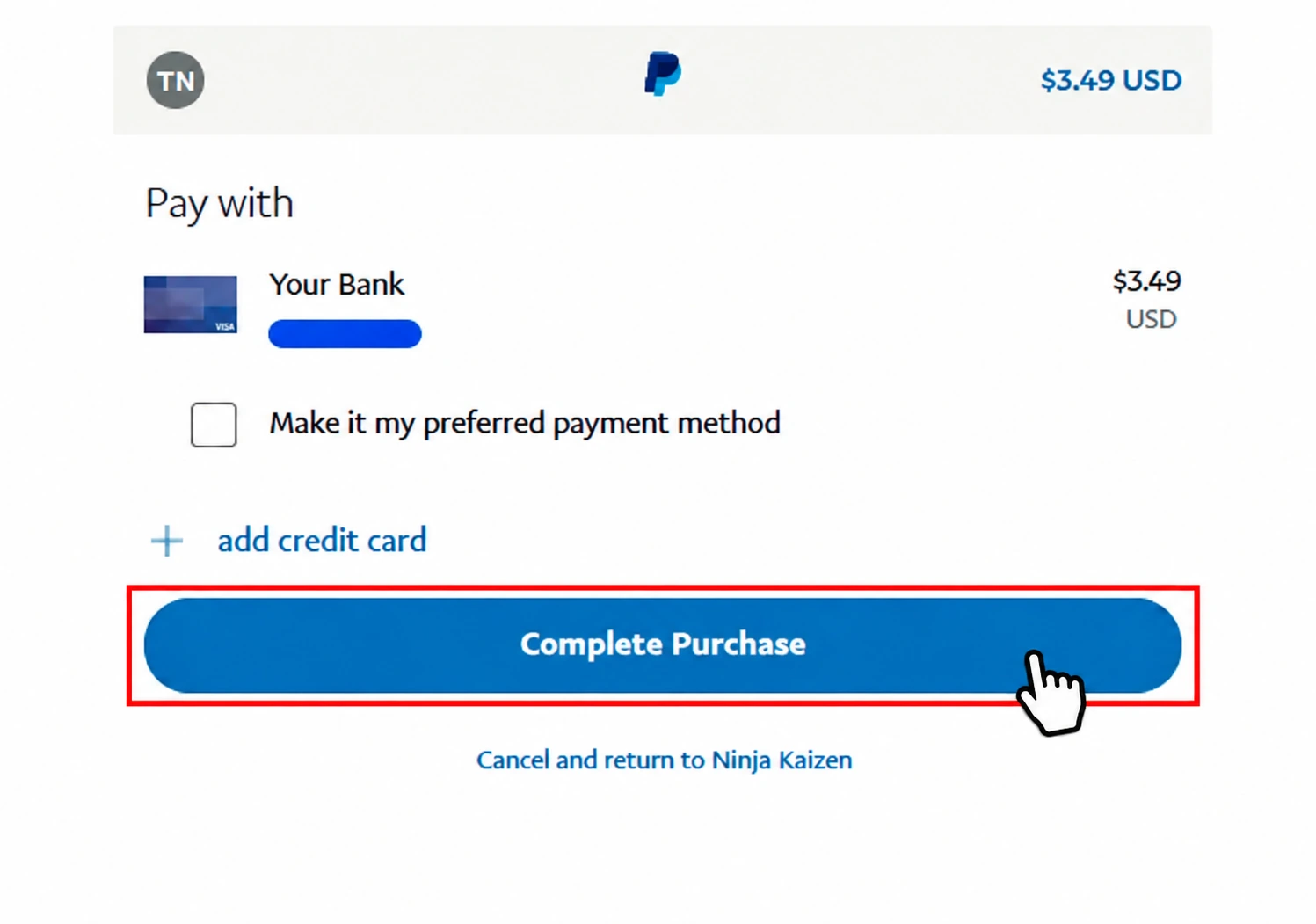
- PayPal: click the Complete Purchase button.
Complete the purchase
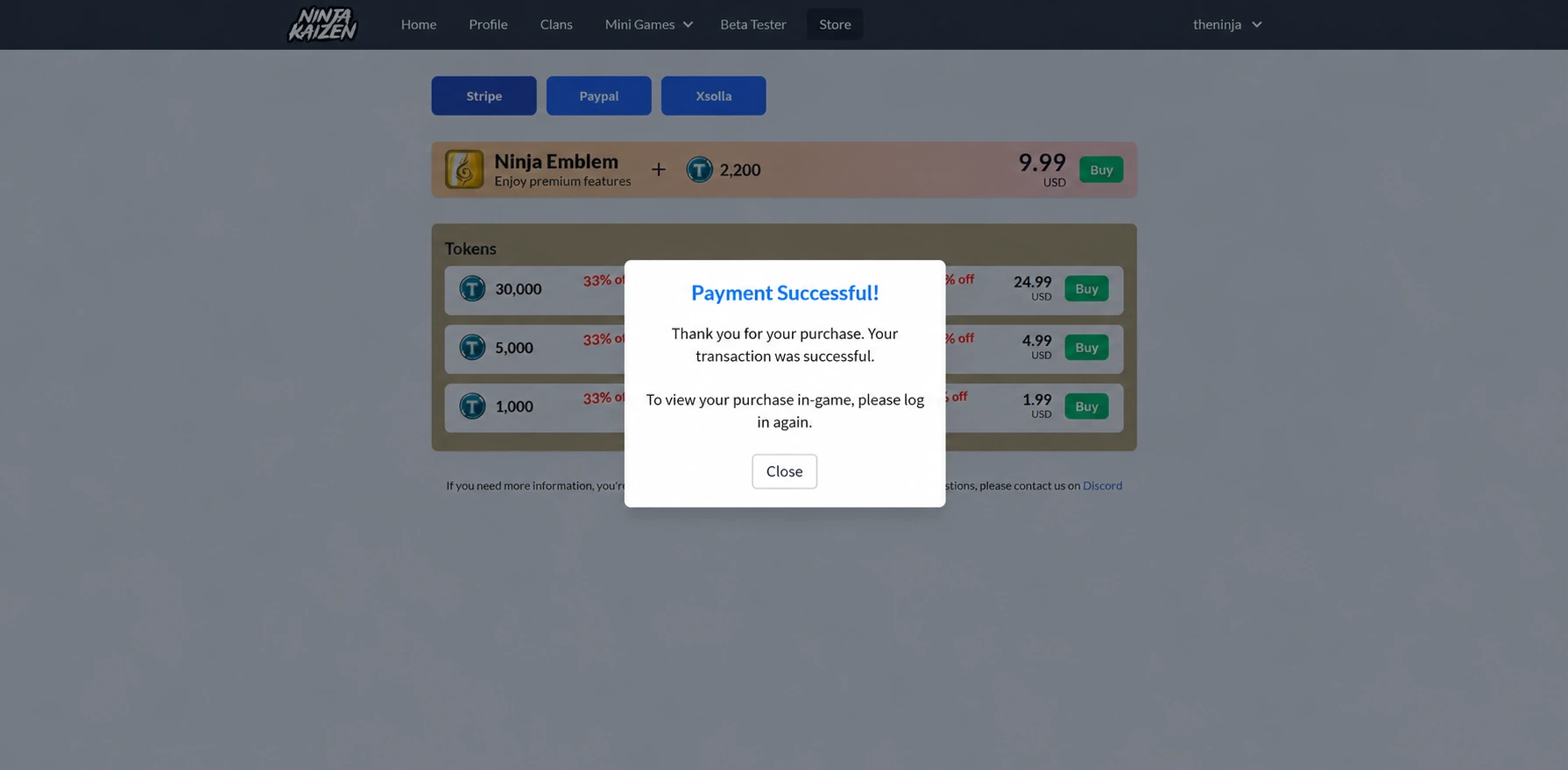
After you pay, you are redirected to the store page with a message confirming the purchase.
Check your inventory
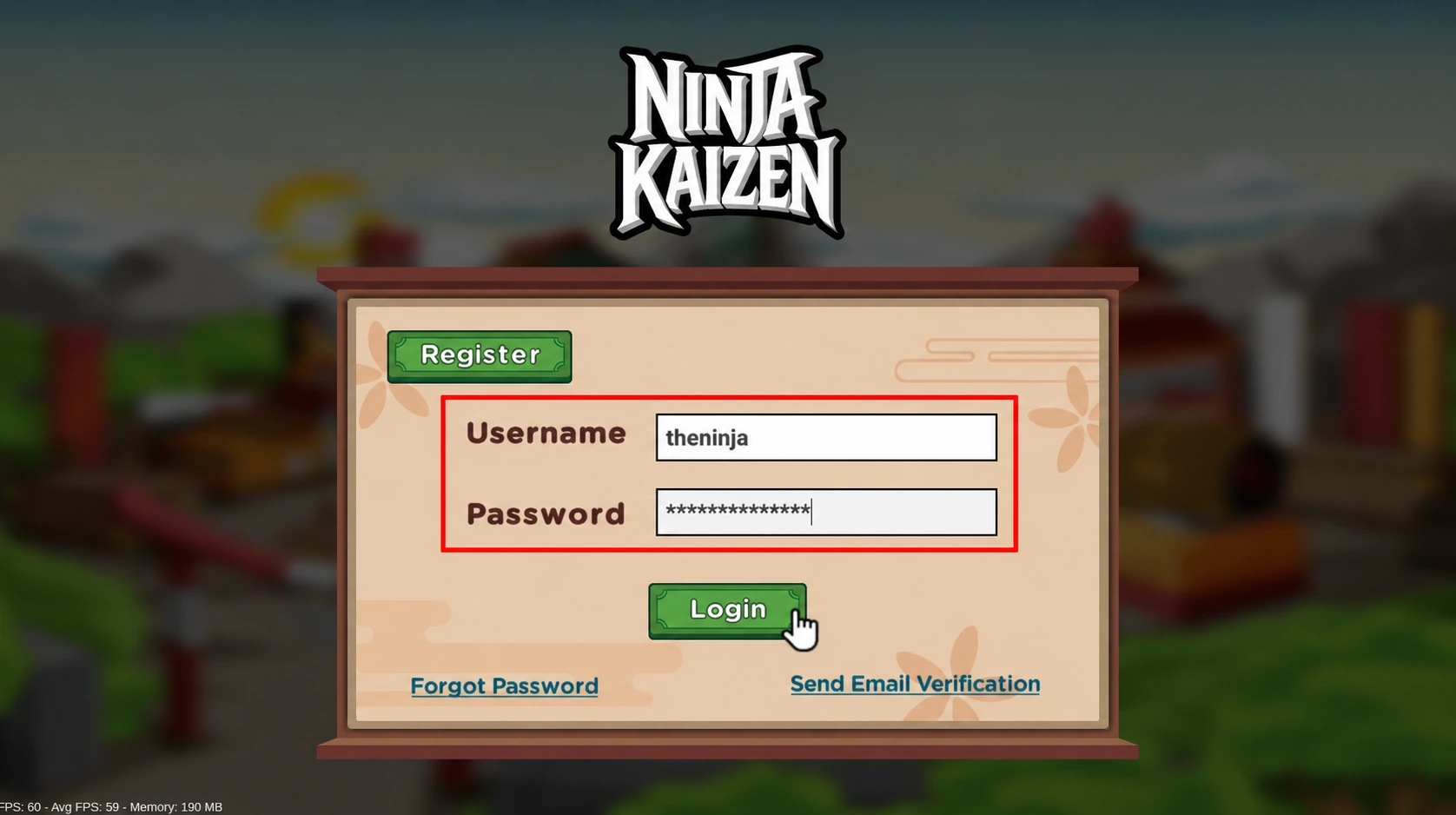
Reload your session to see the item in your inventory: log out of the game and log in again.
Important: purchases can sometimes take a few minutes to complete. If you don't see the item in your inventory, wait a few minutes and reload your session again.
If it still isn't there after a few minutes, contact us.